Run agents in managed or bring-your-own sandboxes, connect local Codebolt instances, schedule goals, monitor usage, and manage marketplace registries from one portal.
Codebolt Cloud lets you start in the browser, CLI, or desktop app and scale into managed or bring-your-own sandboxes. Run cloud agents, connect local Codebolt instances, schedule goals, monitor usage, and manage public or private plugin and template registries from one portal.
Cloud is not just a hosted editor. It is the shared control plane for launching, routing, supervising, and scaling Codebolt work.
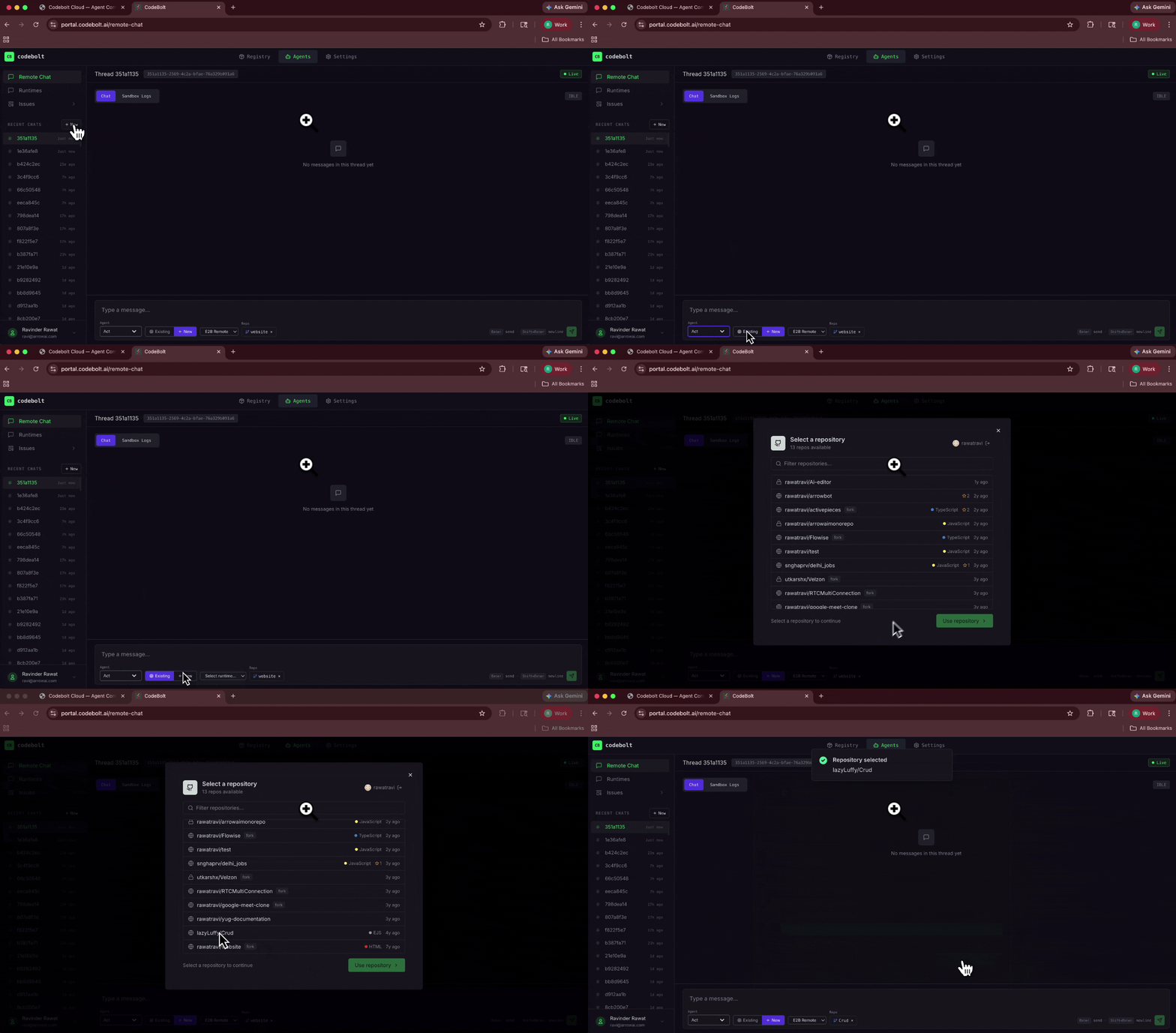
Run cloud agents in managed or self-owned sandboxes such as E2B, Daytona, Docker, worktrees, remote servers, or custom providers. Start sandboxes from the portal UI, API calls, webhooks, or automations.
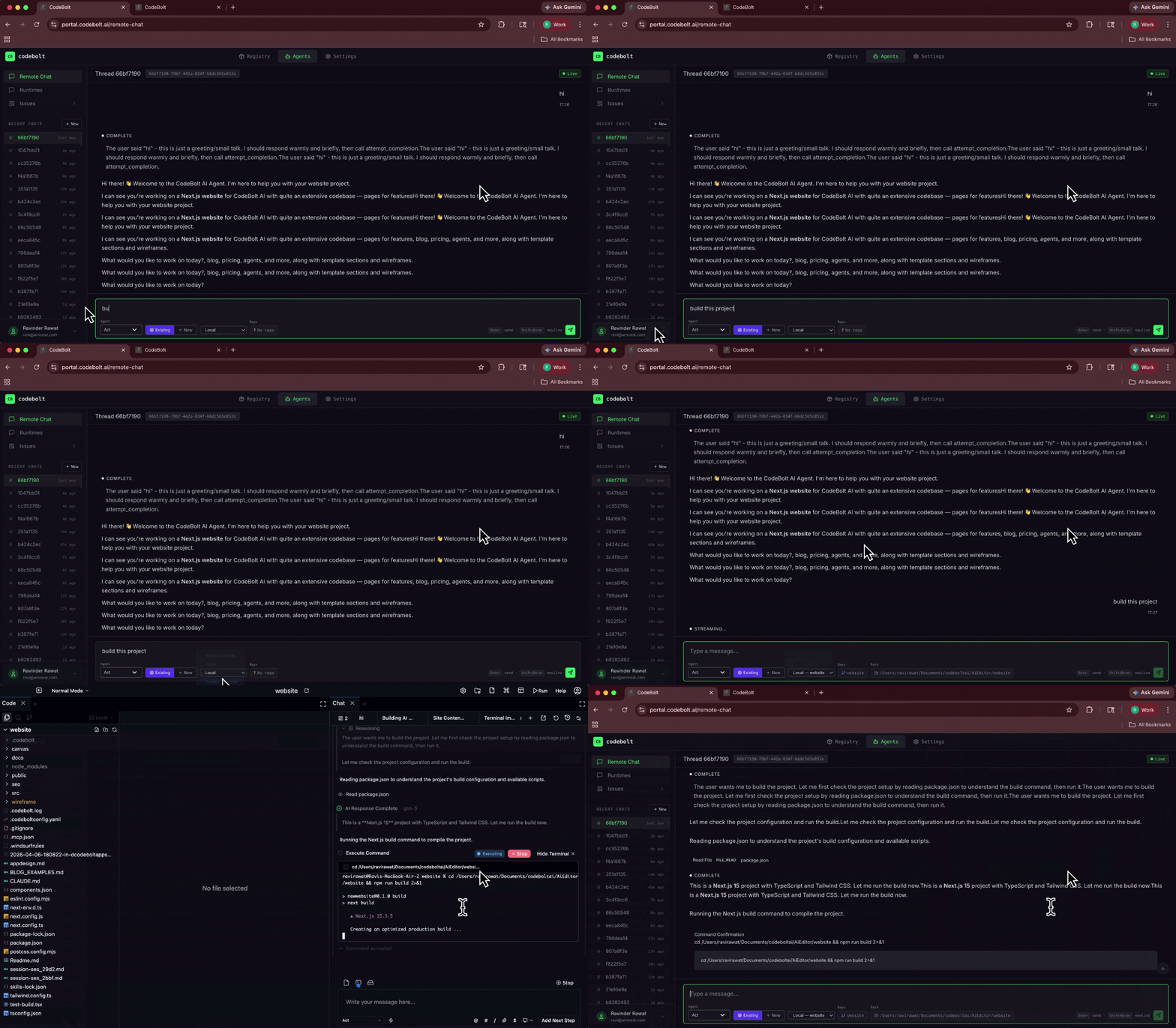
Start local in the CLI or Editor, then scale the same work into Cloud when you need longer runs, remote capacity, team visibility, or scheduled execution.
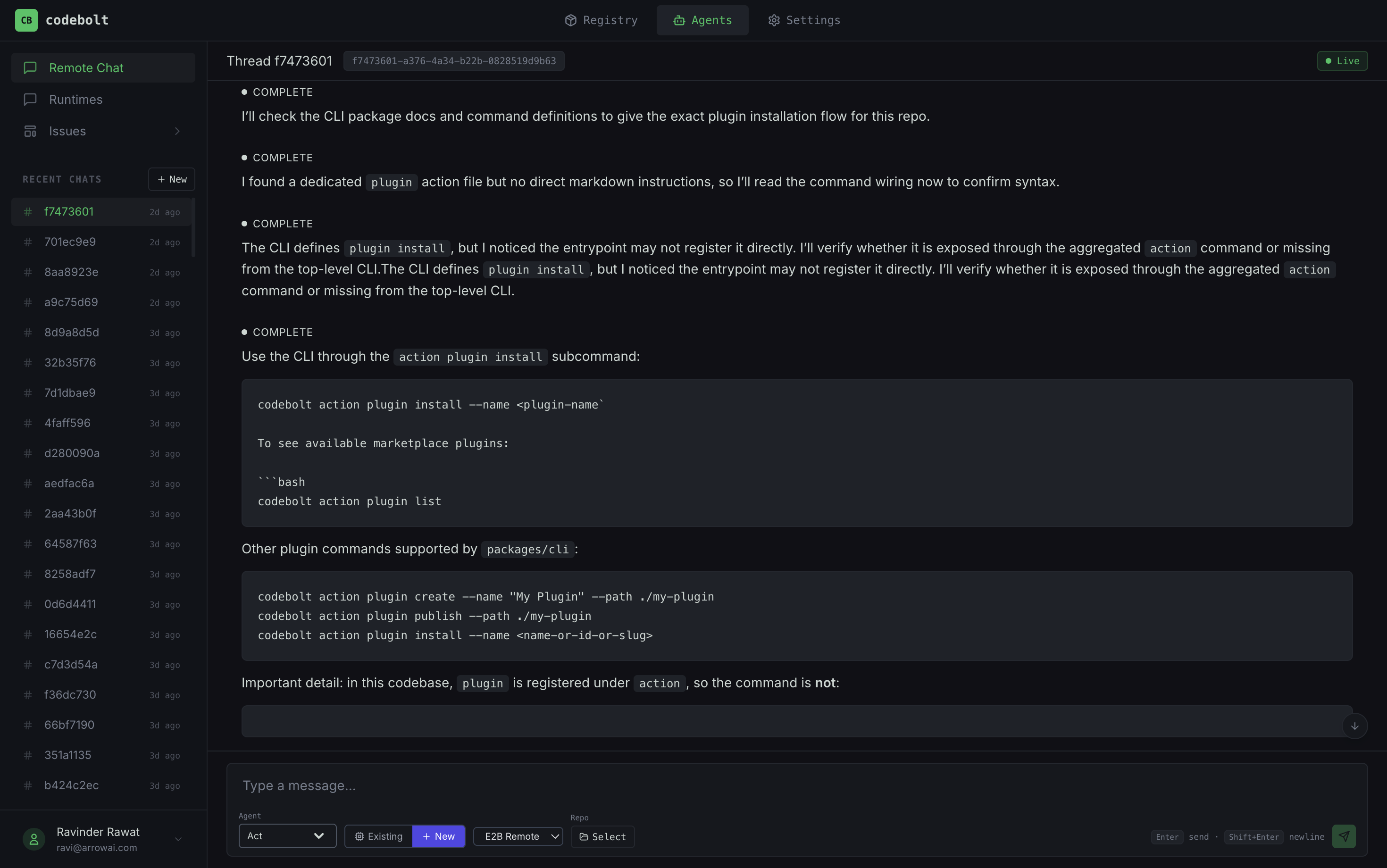
Use the cloud plugin to connect local Codebolt instances to Cloud, manage local sessions from the portal, and hand work off between local and cloud runtimes without losing context.
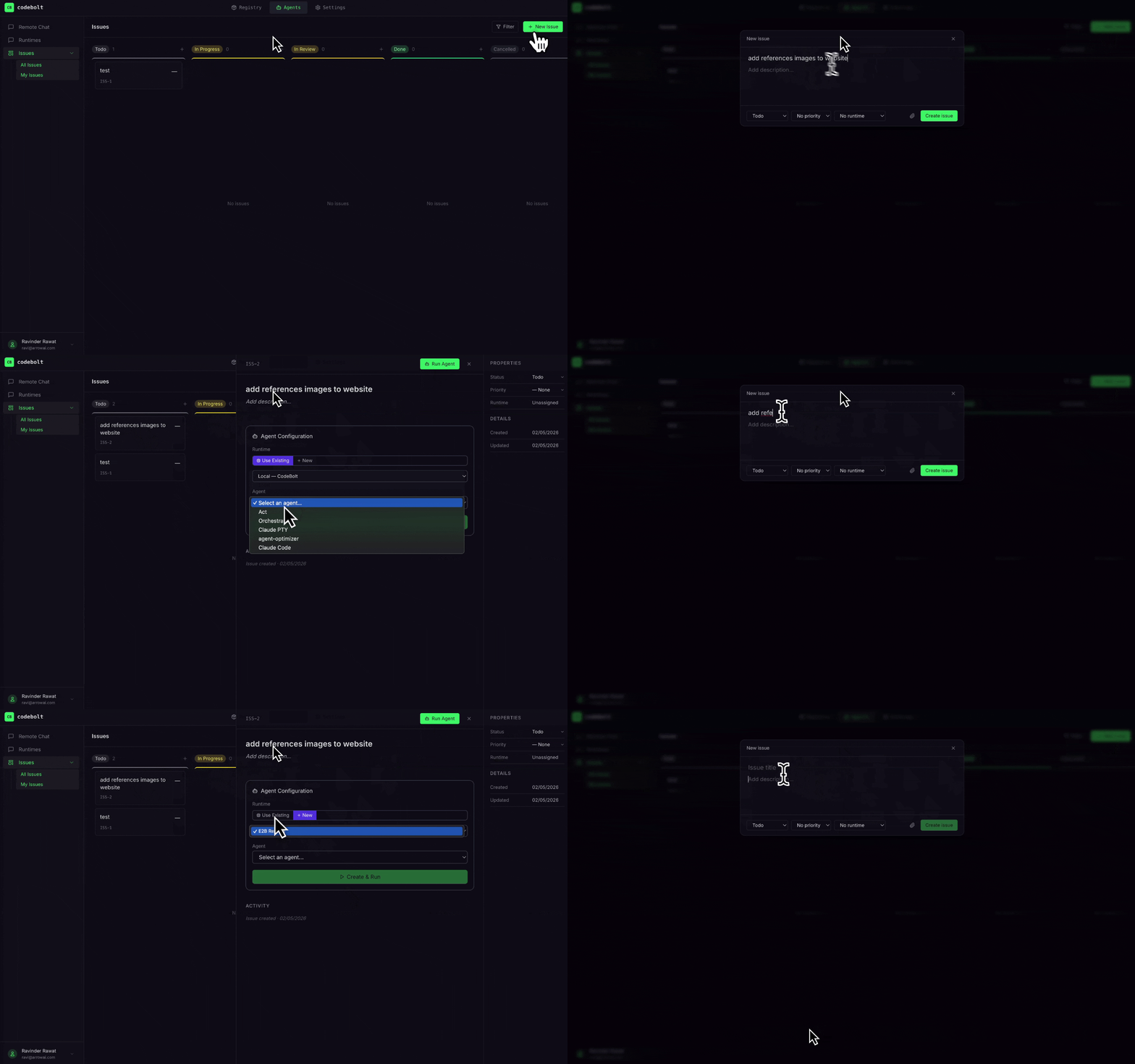
Define goals, scheduled runs, webhook triggers, and API-triggered jobs so agents can operate on a cadence instead of waiting for a human to open a prompt.
Use Cloud agents as scalable backend workers for Codebolt-native applications. Apps can invoke agents directly through the API and let Cloud handle routing, sandboxing, execution, and run state.
Codebolt Cloud can launch agent work into provider-backed environments instead of forcing everything into one hosted runtime. Use Codebolt-managed sandboxes, connect your own E2B or Daytona accounts, route work to Docker or worktree environments, or build a custom provider for your infrastructure. The portal, API, and automations all talk to the same environment model.
Cloud can connect to local Codebolt instances through the cloud plugin. That gives you a shared portal for local sessions, cloud sessions, and handoffs between them. You can begin in the desktop app or CLI, promote a run to cloud infrastructure, or keep a local machine as an environment Cloud can coordinate.
Cloud agents do not have to start from a person typing in a chat box. Define recurring goals, cron-style schedules, webhook triggers, or API-triggered jobs. Agents can triage issues, run maintenance, generate reports, watch repos, check deployments, or execute business workflows on a schedule.
Codebolt-native applications do not need to run every agent inside the user's local editor session. They can call the Cloud API, start the right agent in the right sandbox, stream status back to the application UI, and scale invocations independently from the frontend. The application owns the workflow; Codebolt Cloud supplies the agent runtime, provider routing, environment lifecycle, memory, logs, and execution state.
When agents run across local machines, cloud sandboxes, API jobs, and scheduled automations, visibility matters. Codebolt Cloud gives teams a central place to track run history, usage, costs, token consumption, environment activity, and operational status across the whole agent fleet.
Cloud also acts as the registry layer for your agent ecosystem. Publish and install agents, plugins, MCP servers, templates, and reusable packages. Keep some public, keep internal ones private, mirror approved marketplace entries, and give teams a controlled catalog instead of unmanaged scripts.