CODEBOLT CLI
A multi-agent terminal workspace
Run agent chat, parallel threads, project files, git, logs, settings, and multi-environment work from one TUI backed by the Codebolt engine.
Install
npm i -g codebolt Codebolt CLI Demo
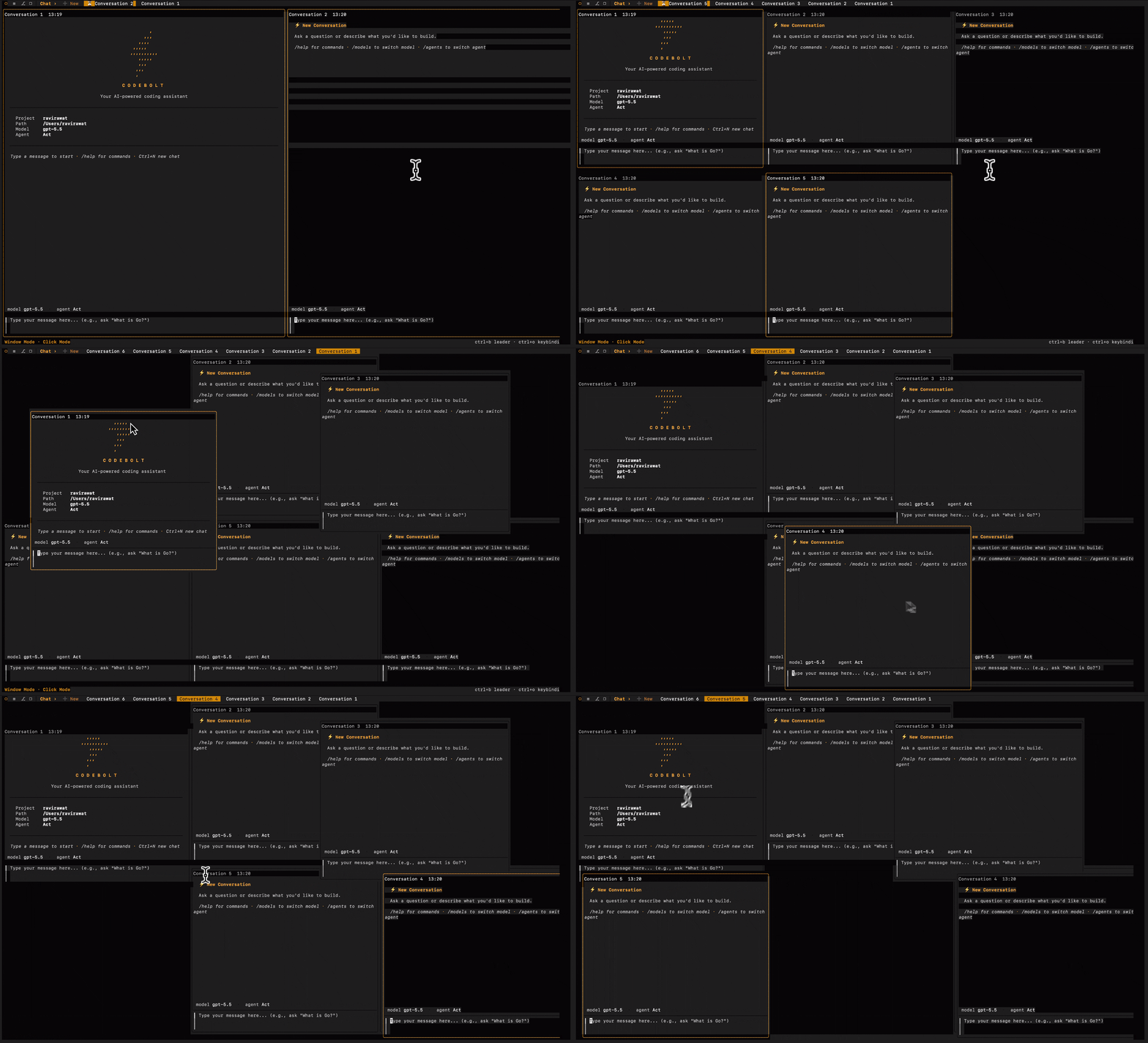
Run agent chat, parallel threads, project files, git, logs, settings, and multi-environment work from one TUI backed by the Codebolt engine.
npm i -g codebolt Start with the familiar workflow: open the terminal, talk to an agent, attach project context, approve tool use, inspect steps, and keep the conversation moving without leaving the keyboard.
Run focused coding conversations with built-in agents, custom agents, or pinned project agents. Keep prompt, response, tool calls, and progress in a compact terminal-native flow.
Use project context, file suggestions, slash commands, todos, plans, and structured widgets so the agent gets more than a raw prompt.
See filesystem, terminal, browser, git, memory, and MCP/tool activity as first-class chat events instead of invisible background automation.
Track file writes, shadow git checkpoints, review requests, and confirmation prompts inside the same chat where the agent is doing the work.
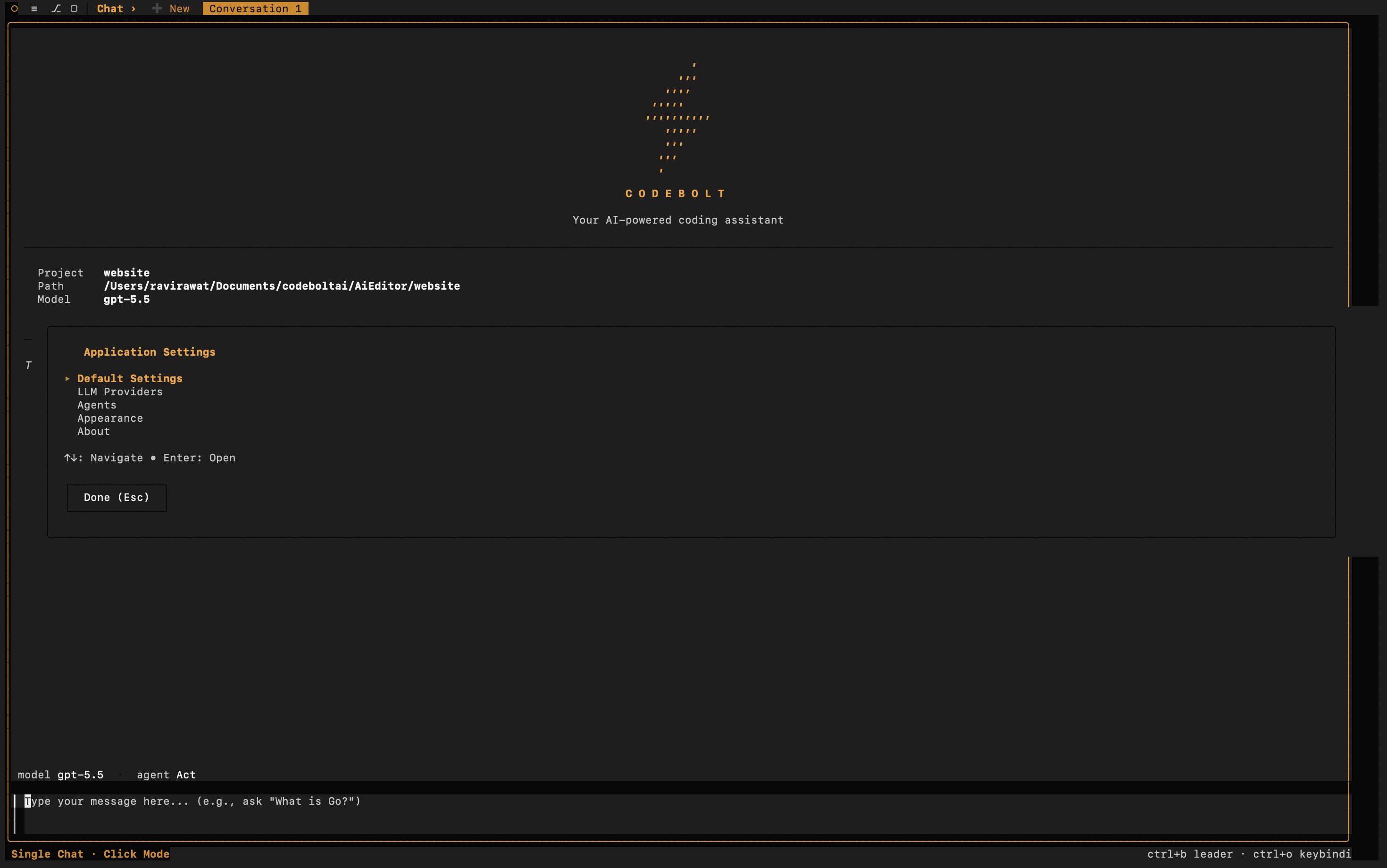
Pick providers, models, and agents from terminal dialogs. Change the working agent without leaving the TUI.
Codebolt CLI is designed for the way agent work actually happens: one thread explores, another edits, another tests, another reviews. The TUI can show parent and child conversations together, keep windows arranged on a terminal canvas, and let you supervise parallel work from one keyboard-first surface.
The CLI is backed by the Codebolt server runtime, so it is not limited to one local terminal loop. Use it as the operator surface for parallel threads, child agents, remote servers, and multi-environment work.
Run multiple conversations and agent tasks side by side instead of waiting on one linear session. Keep each thread scoped to its own work while still supervising the whole run.
Use a multi-window terminal canvas for agent work. Drag and arrange conversation windows, tile child threads, and keep long-running work visible without opening another tool.
The TUI connects to the Codebolt server over WebSocket. Local, Docker, cloud, and remote environments can share the same runtime model instead of trapping work inside one terminal process.
Keep a base conversation visible while child agents branch into focused subtasks. This is the terminal version of supervising a small agent team.
Because CLI, Editor, Cloud, and SDK sit on the same runtime, you can start work in the editor, continue in the terminal, and keep agent state moving across surfaces.
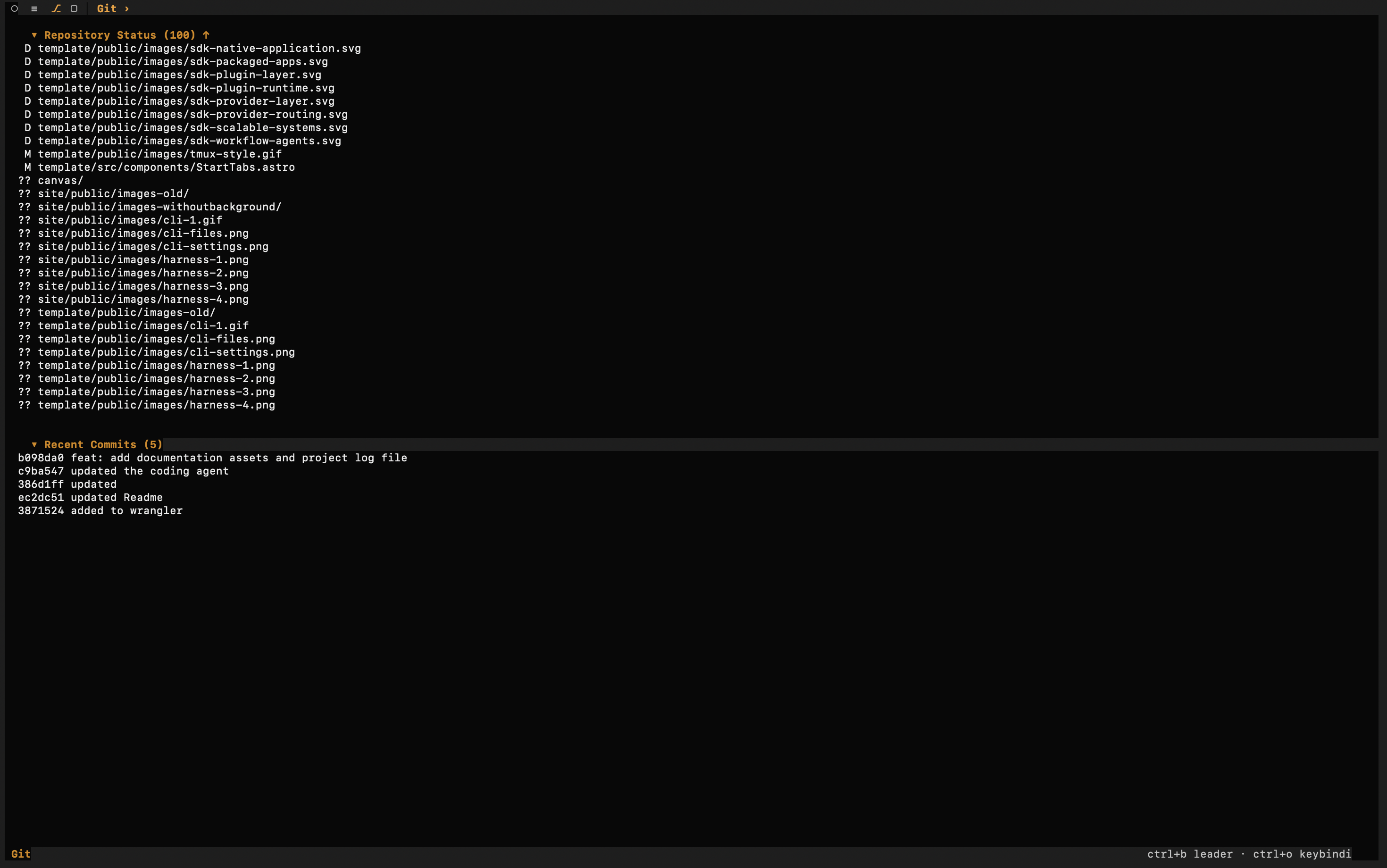
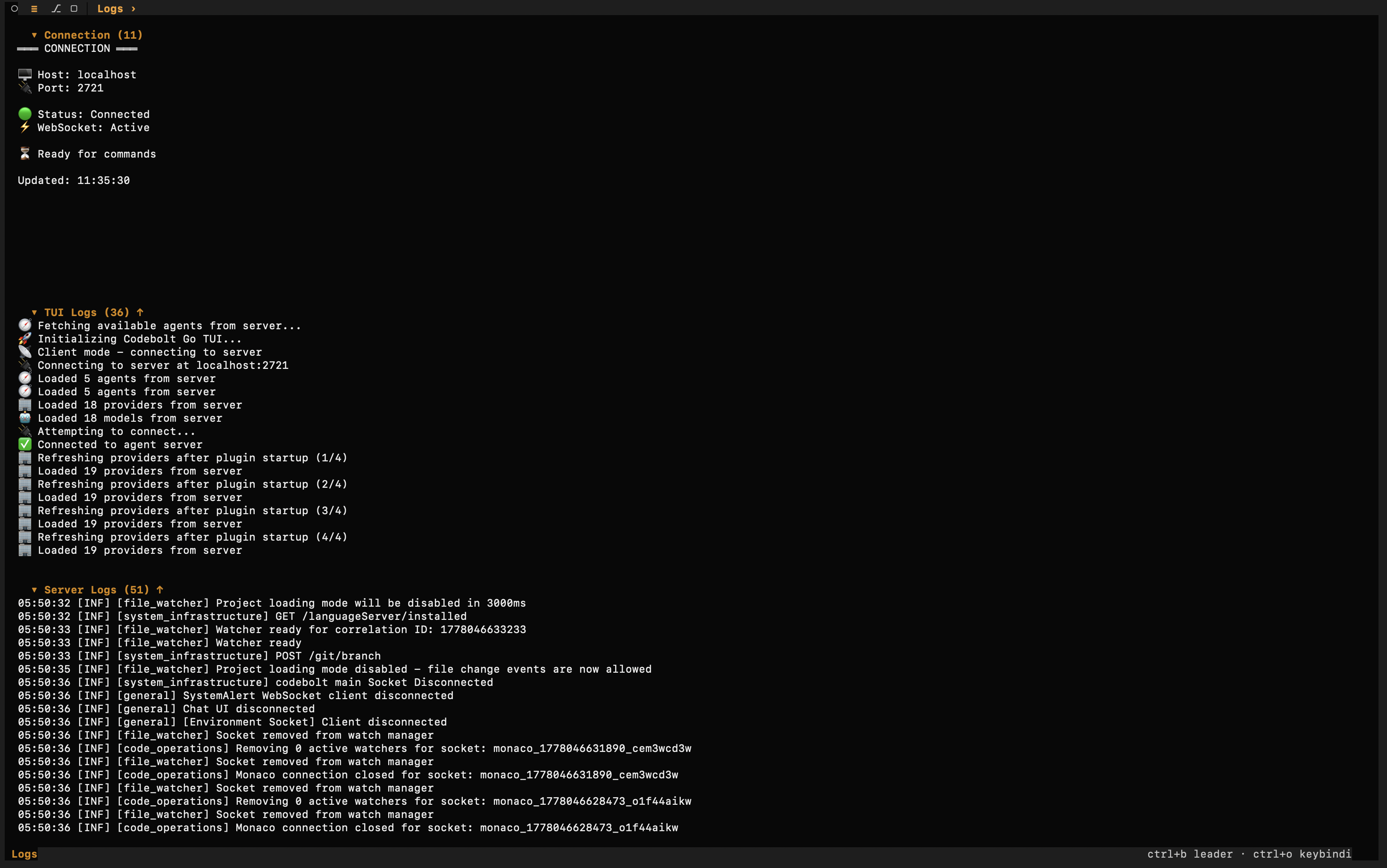
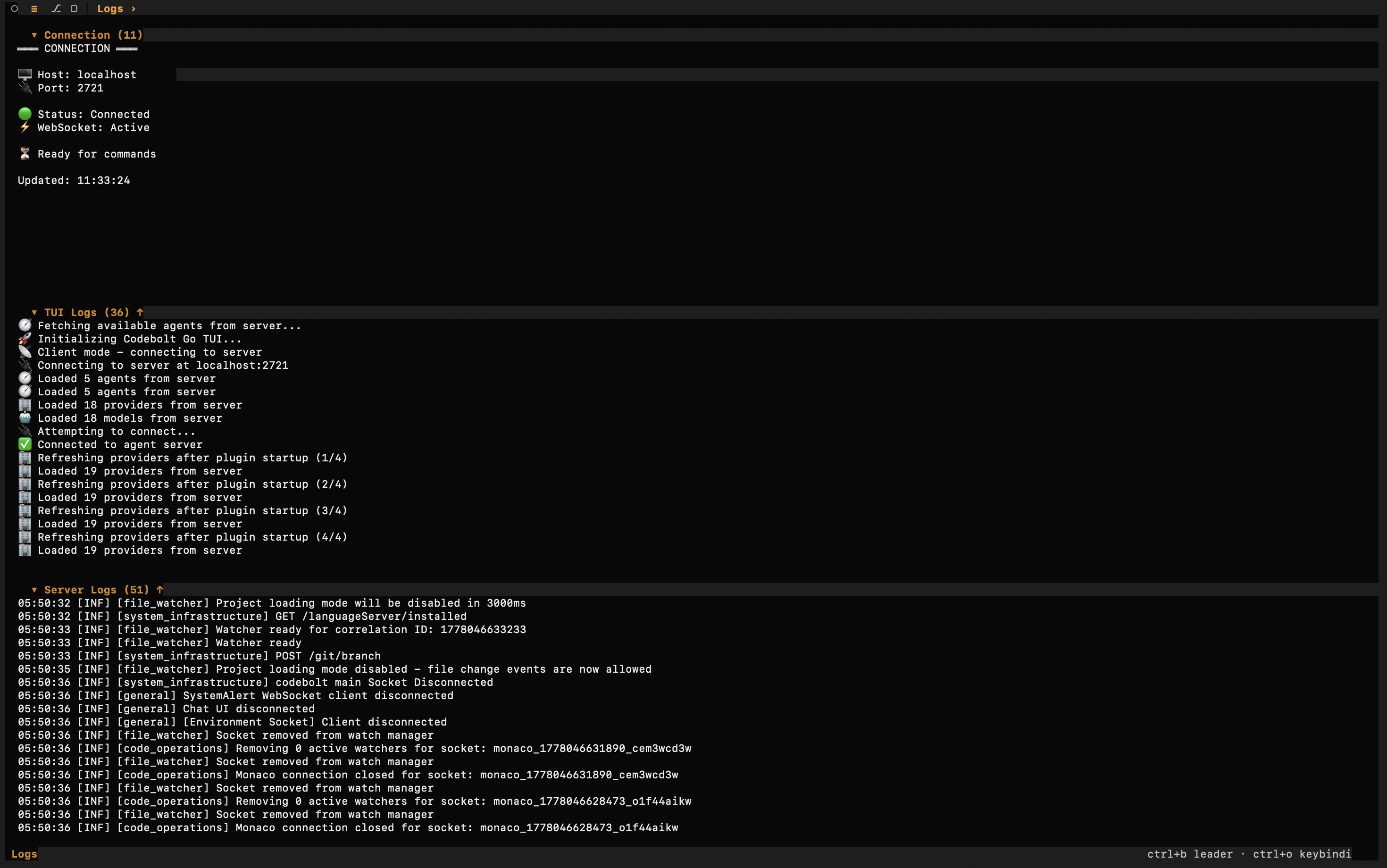
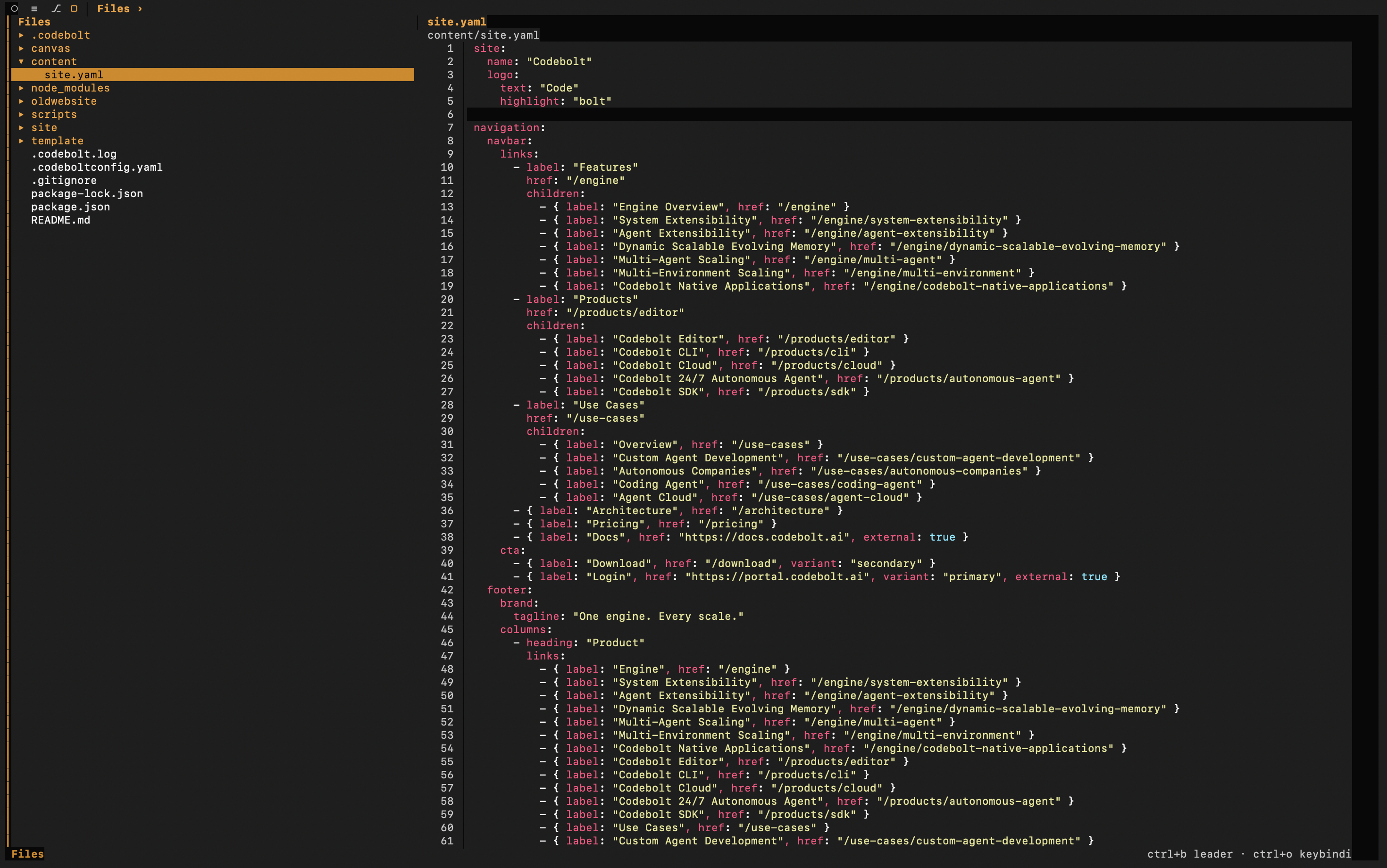
Codebolt CLI is also a terminal workspace. The surrounding panels matter because serious agent work needs inspection, debugging, configuration, and review.
Open file tree and preview panels from the terminal. Agents can read, write, search, and explain project files while you keep the project structure in view.
Great for one focused agent chat
Terminal is mostly a prompt-and-response surface
Parallel work usually means multiple shells with disconnected state
Editor, CLI, and backend state are usually separate
Scaling beyond one local session requires a different system
Run and supervise multiple agent threads from one TUI
Use chat, files, git, logs, settings, provider/model controls, and windows together
Connect to local or remote Codebolt server runtimes
Continue the same work across CLI, Editor, Cloud, and SDK surfaces
Scale from terminal agent work to multi-environment orchestration without changing engines